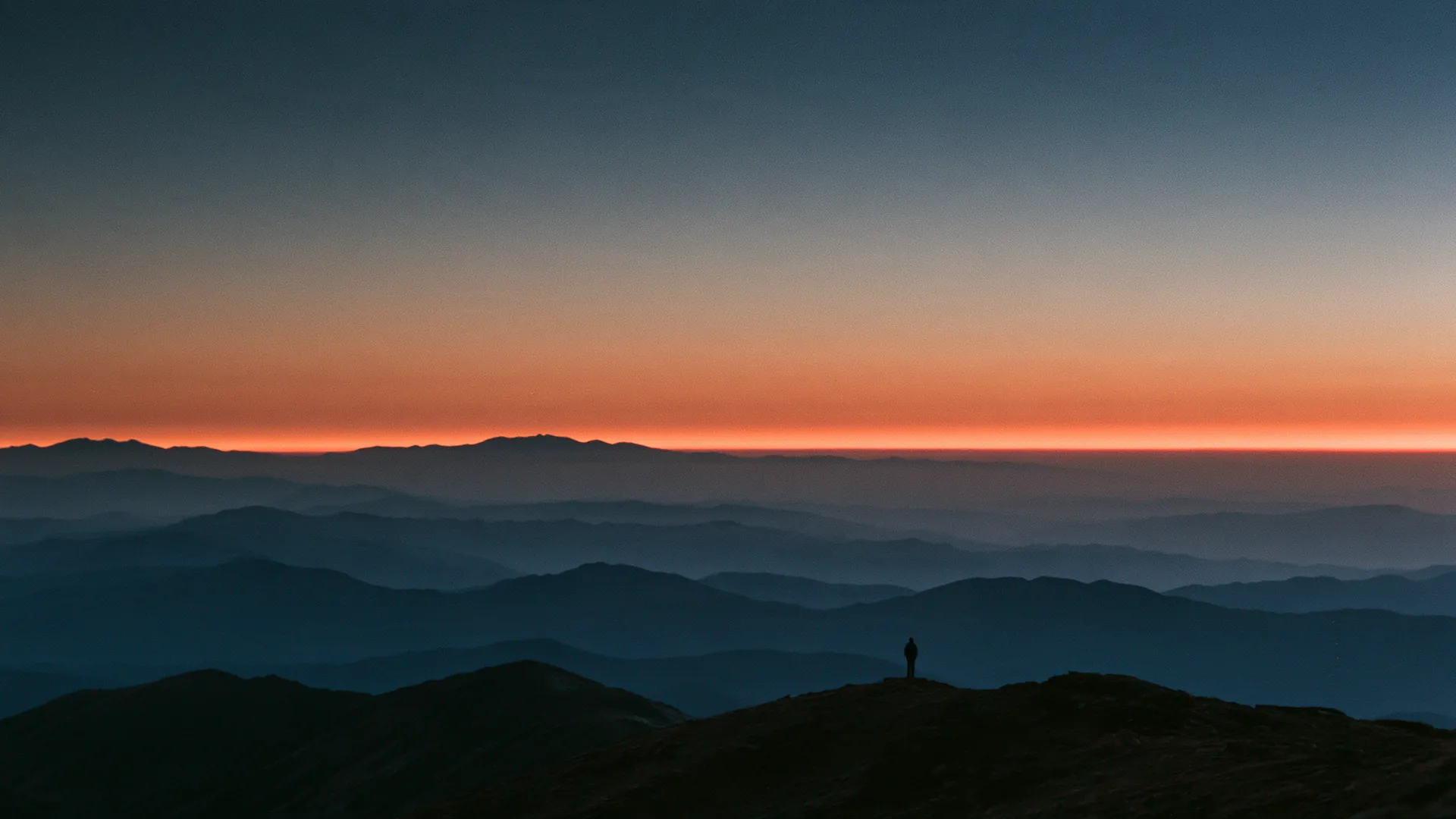
Image to PSD with Editable Layers
Upload a flat image. Get a Photoshop file with separate layers, a rebuilt background and editable text.
Reserves 40 purchased credits. 2 per nonempty layer, minimum 10. Background included.
What your Image to PSD export includes
A layered PSD that opens in Photoshop, plus a ZIP of transparent PNG layers that match it.
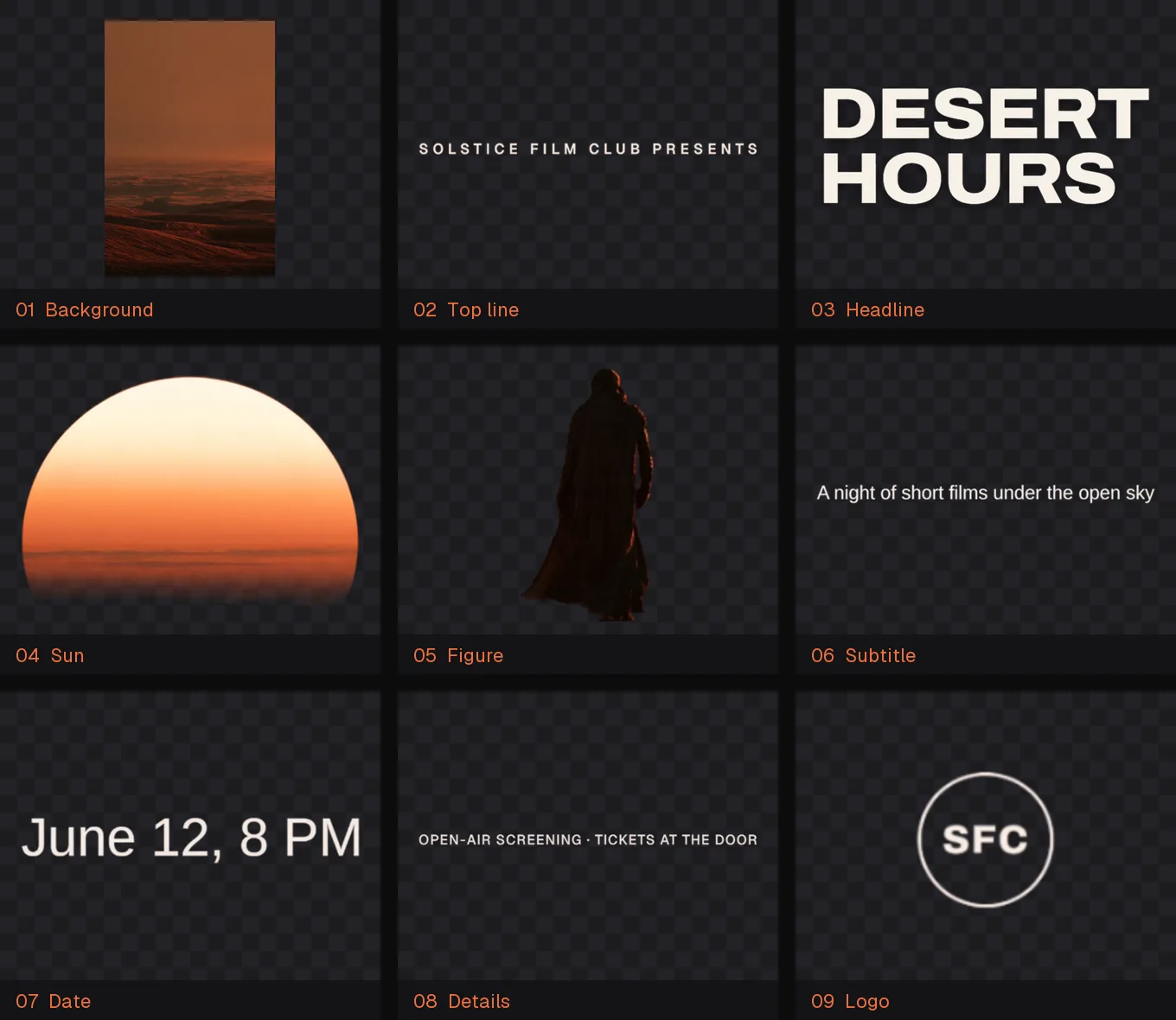
- Objects on separate layersPeople, products and decorations are cut out, and the background behind them is filled in.
- Text you can retypeText we can read becomes a real text layer in a close matching font.
- Ready to rearrangeMove, hide or recolor any layer, then save and reopen it like any PSD.
- Download again for freeReopen this tab to download your split again while the files are available.
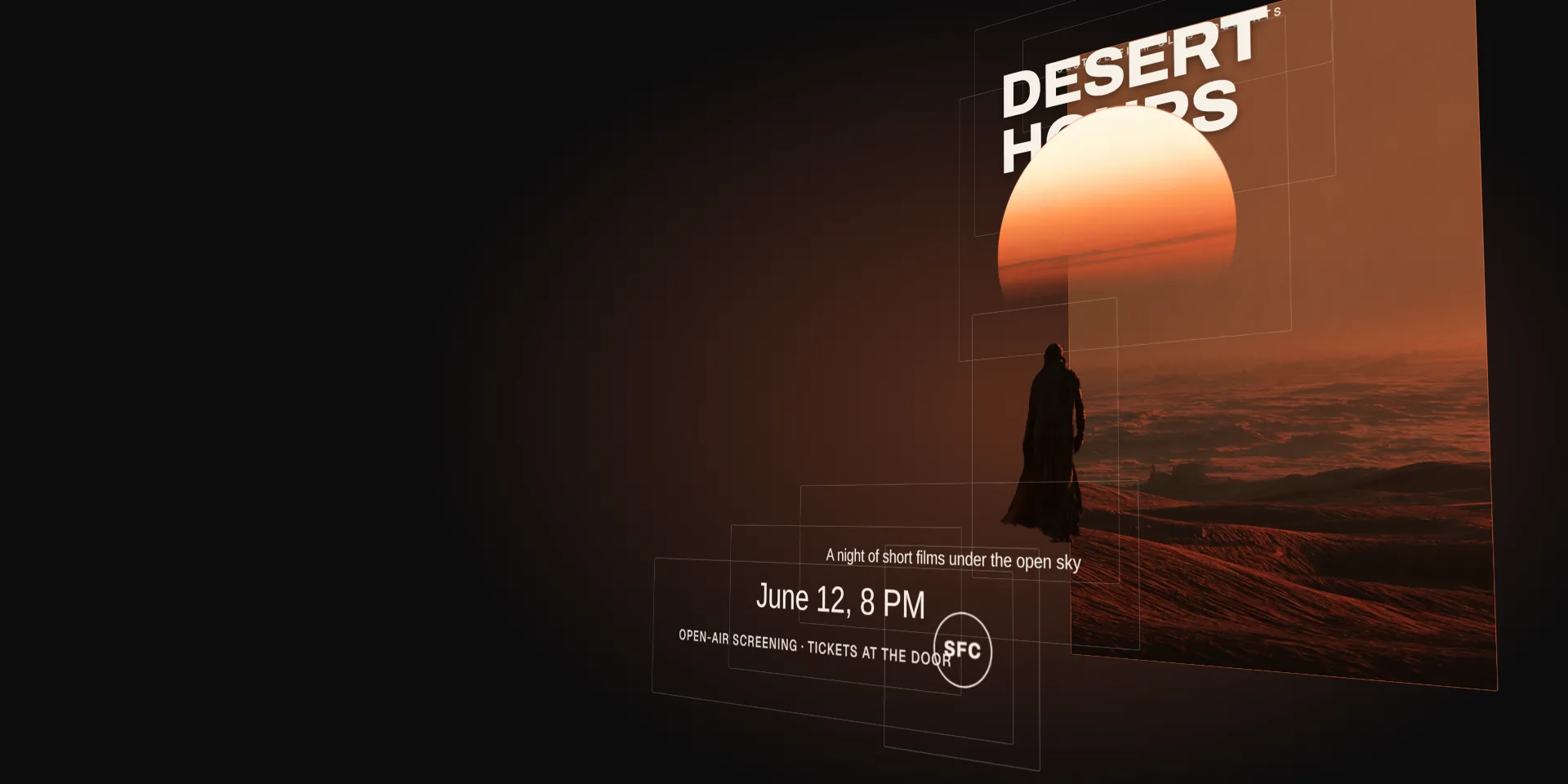
Image to PSD layer limits and tips
- Fonts are matched, not restored
- We pick the closest font we can use. Display and handwritten lettering will look different.
- Small or curved text may stay as pixels
- If we can't read it reliably, it stays an image layer so nothing is invented.
- Busy scenes can merge objects
- Objects that overlap closely may share a layer.
- Hidden areas are filled in
- What was behind an object is generated, so it won't match a real original file.
Image to PSD FAQ
Can't find it here? Contact us.
What does a split cost?
Your first 1K split can be free with up to 5 layers, including the background. Paid splits with up to 5, 10 or 20 layers reserve 10, 20 or 40 purchased credits respectively. You pay 2 per nonempty layer, with a minimum of 10. Unused credits return to your balance. Editing or downloading the same split again is free.
Do I need to sign in?
Sign in with Google to use the free first split. A paid split uses purchased credits and does not use the free allowance.
Is the text really editable?
Text we recognise becomes a real Photoshop text layer you can retype. Text we can't read reliably stays as an image layer.
What do I download?
A layered PSD and a ZIP of transparent PNG layers that match it, so you can keep working outside Photoshop too. Downloading again is free.
Do I have to wait on the page?
Return to the same tab to resume your split. Free results stay available for 3 days. Results made with purchased credits stay available for 30 days.
Will I get my original design file back?
No. We rebuild layers from the flat image, so hidden areas are filled in and fonts are matched. It's a strong starting point, not the original file.
How is this different from Edit text in image?
Edit text in image starts with the original picture and focuses on replacing recognised text lines. Image to PSD separates the whole picture into layers, then exposes recognised text in the layered result.
What if the split fails?
The page shows the error. A failed split returns its reserved credits or restores your free first split, and you can retry from the same image.