
Edit text in image
Upload an image, find the printed words you want to change and download the updated picture or layered PSD.
JPG, PNG, WebP or HEIC · printed text works best
How to edit text in image online
Your original image stays in place while you replace recognised text lines. Download the edited picture as a PNG or a layered PSD.
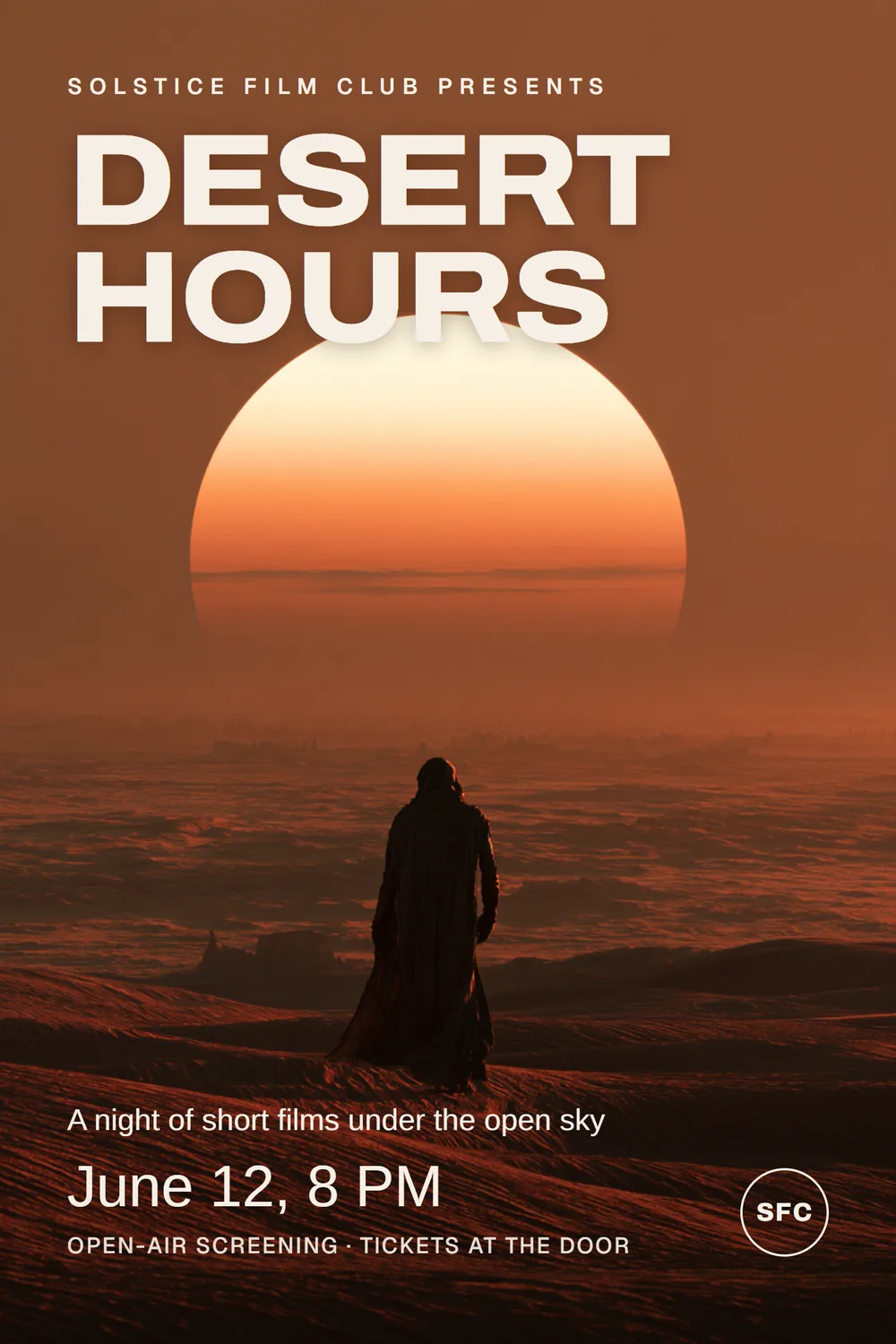
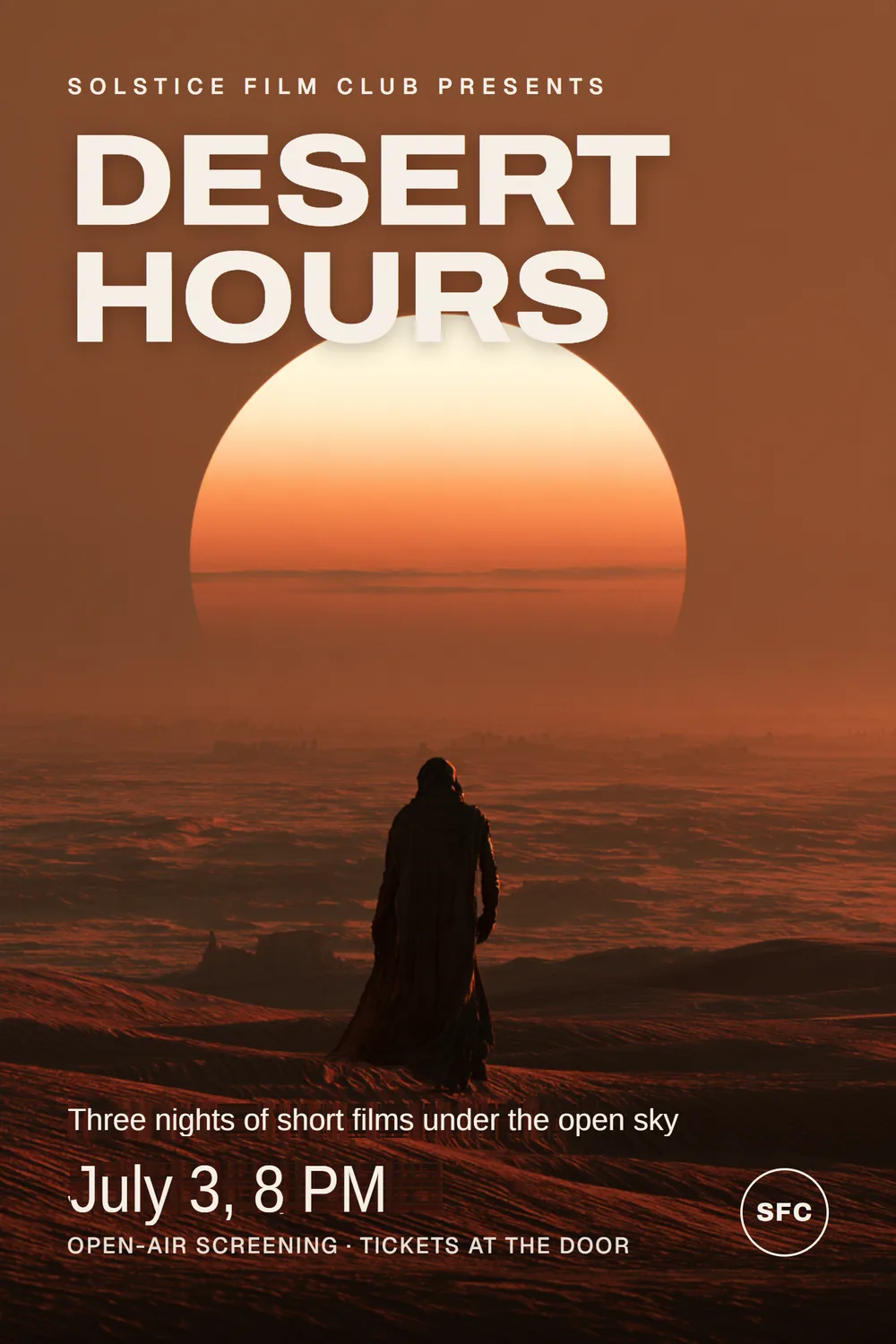
- Text found in the imageThe tool lists lines it can locate, including smaller text in a large image.
- Replace in placeChoose a recognised line, enter the new wording and apply the change to the same result.
- Check the rebuilt pixelsThe area around changed lettering is reconstructed, so inspect the colour and background before using the result.
- PNG and PSD downloadsDownload the edited picture as a PNG, or a PSD with native text layers for the lines it recognises.
Limits of on-device image text detection
- Not every font can be recreated
- Handwriting, curved, vertical and decorative lettering may stay in the image.
- Small or low-contrast text can be missed
- Large images are checked in sections, but detection can still skip faint or very small text.
- Some backgrounds need repair
- When a line is replaced, the surrounding pixels are rebuilt and may not match a complex background exactly.
- Keep your original file
- The editor creates a new result. It does not return the original layered design file.
Questions about editing image text
Can't find it here? Contact us.
What kinds of text can I edit?
Start with horizontal printed text on a reasonably clear background, such as posters, slides, flyers, product labels or screenshots. Very small, curved, vertical, handwritten or decorative lettering may be missed.
Does it edit the original file?
No. The page creates a new result from your selected JPG, PNG, WebP or HEIC copy directly in the browser while keeping your original file untouched.
Can I change more than one line?
Yes. Select each recognised line, type your updated wording, adjust colour or size if needed, and apply changes one after another before downloading.
Can I download both PNG and PSD?
Yes. Export a ready-to-share PNG picture with the updated wording, or download a layered PSD with native text layers so you can refine typography further in Photoshop.
Does it cost anything?
No. Detecting printed text lines, replacing wording in place and downloading the updated PNG or PSD are completely free with no account required.
What happens to text the tool cannot read?
Unrecognised lettering stays unchanged in the pixel layer. The editor focuses on clean printed lines and does not promise to recreate every custom typeface or recover a lost source design file.
How is this different from Image to PSD?
Edit text in image starts with the original picture and focuses on replacing recognised lines directly in place. Image to PSD separates the whole picture into independent background and object layers, then exposes recognised text inside that layered file.
What if a text edit fails?
The page shows the error clearly without altering your source picture. You can refresh or retry on a clearer crop, or switch to the main prompt editor for stylised signs.